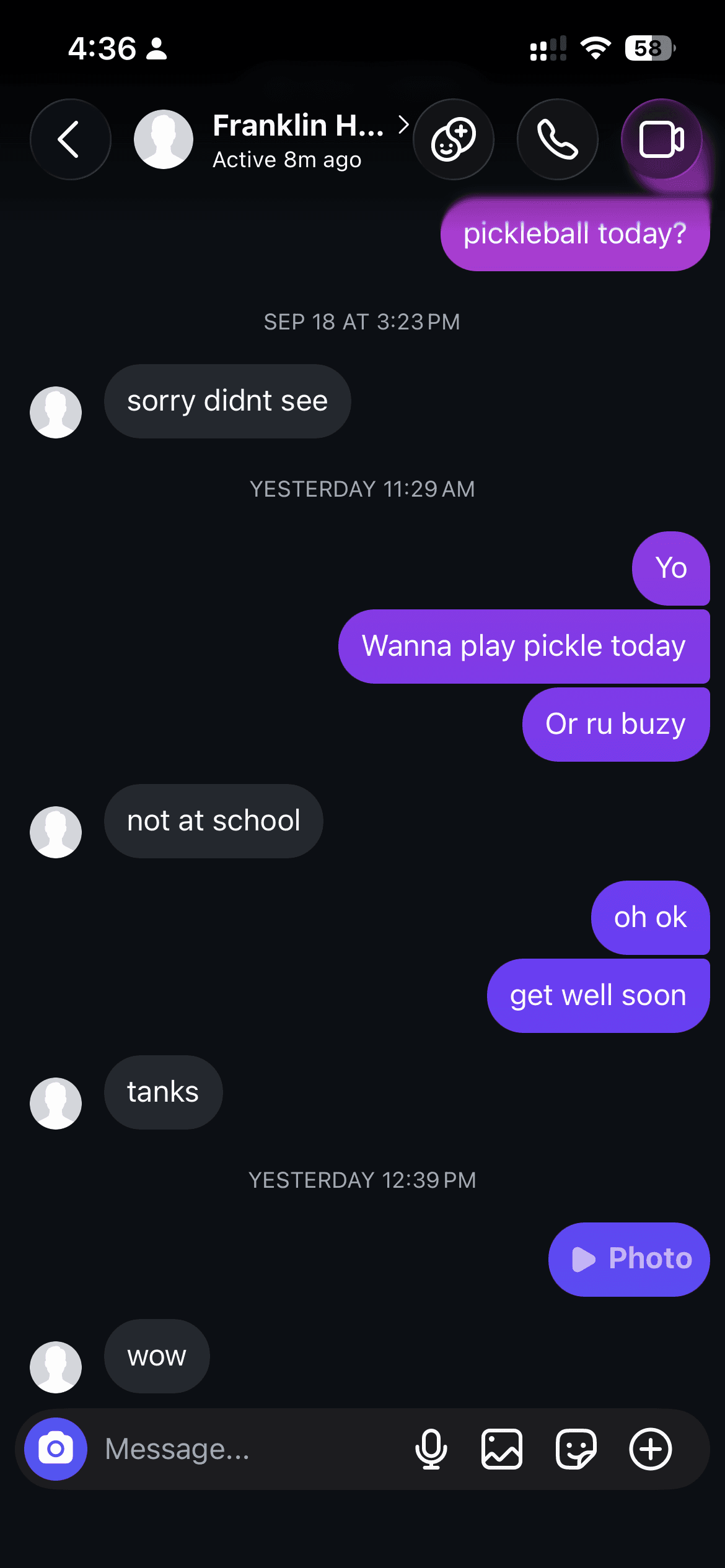
Konvo opens Instagram’s own website inside a focused app for iPhone and Mac. You sign in to your existing Instagram account and use the same conversations, with the feed, Reels browsing screen and Explore hidden. Your friends can keep using Instagram.
How do I get started?
You need a working Instagram account and an internet connection. The iPhone app requires a subscription; review the local price and any trial before purchasing.
- Download Konvo from the App Store and complete setup.
- Review and confirm your subscription if you do not already have access.
- Sign in on Instagram’s login page inside Konvo. Complete any verification Instagram requests.
- Open an existing conversation and check that you can read and send messages.
- If you want to block the separate Instagram app, connect Screen Time and select the Instagram app itself.
Do my friends need to install Konvo?
No. They send you Instagram messages as usual, and your replies appear in the same conversations. You do not create a new messaging account or ask friends to move to another service. Existing group chats remain part of your Instagram inbox.
Can I still see Stories or a Reel someone sends me?
Friends’ Stories are available in a separate Stories tab. A Reel shared in a conversation can still open from that message. Konvo hides the Reels browsing screen and the main feed; it does not remove every video that a friend sends you.
For actions that need the original Instagram app, such as calls or posting, use Instagram directly. If you enabled blocking, use the temporary unlock controls available in Konvo.
Does Konvo change or delete my Instagram account?
No. Konvo changes the interface you use to access Instagram. It does not delete your account, change what friends see, or remove content from Instagram on other devices.
Blocking the Instagram app on iPhone is optional. Select the Instagram app itself, rather than instagram.com or an entire app category, so the Instagram website used by Konvo remains reachable.
How do message notifications work?
On iPhone, allowing notifications in Settings and connecting cloud message notifications in Konvo are separate steps. The optional cloud connection lets Konvo’s server check for new messages while the app is closed.
This requires sharing an Instagram session with the notification service. Review the privacy explanation before connecting. If Instagram expires that session, reconnect from Konvo’s Message notifications settings.
Which devices can use Konvo?
Konvo is available through the App Store for iPhone and compatible Macs. Check Apple’s listing for current device and operating-system requirements. Mac download and extension links are on the homepage.
For Android availability, use the Android link on the homepage. The Screen Time setup described here applies to iPhone.
What should I know before using Konvo?
Konvo is an independent app, not an Instagram or Meta product. It depends on Instagram’s website and your connection. Instagram can request verification or change its interface, which can affect loading or features.
Check that your own chats work before blocking the original app. Konvo is not an offline inbox, and no specific reduction in screen time is guaranteed.