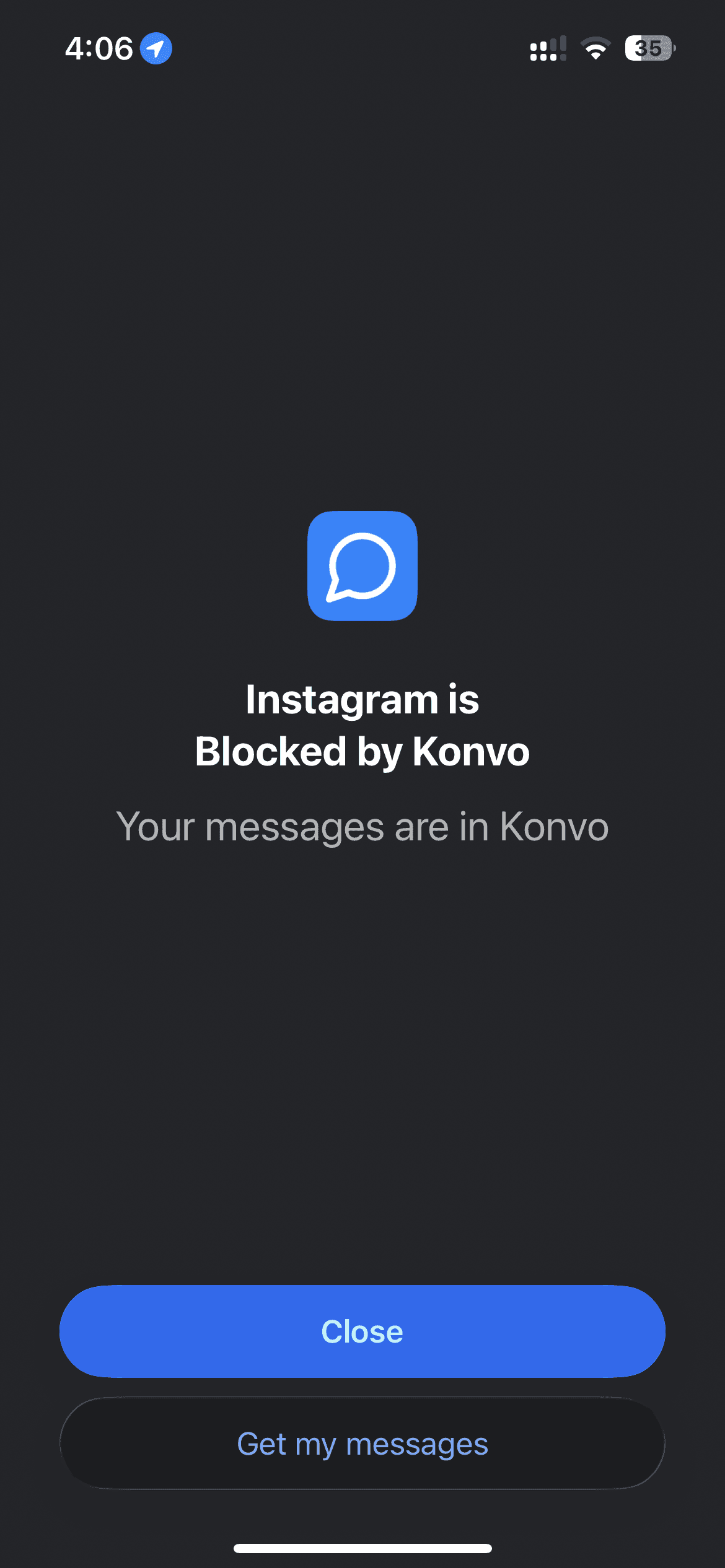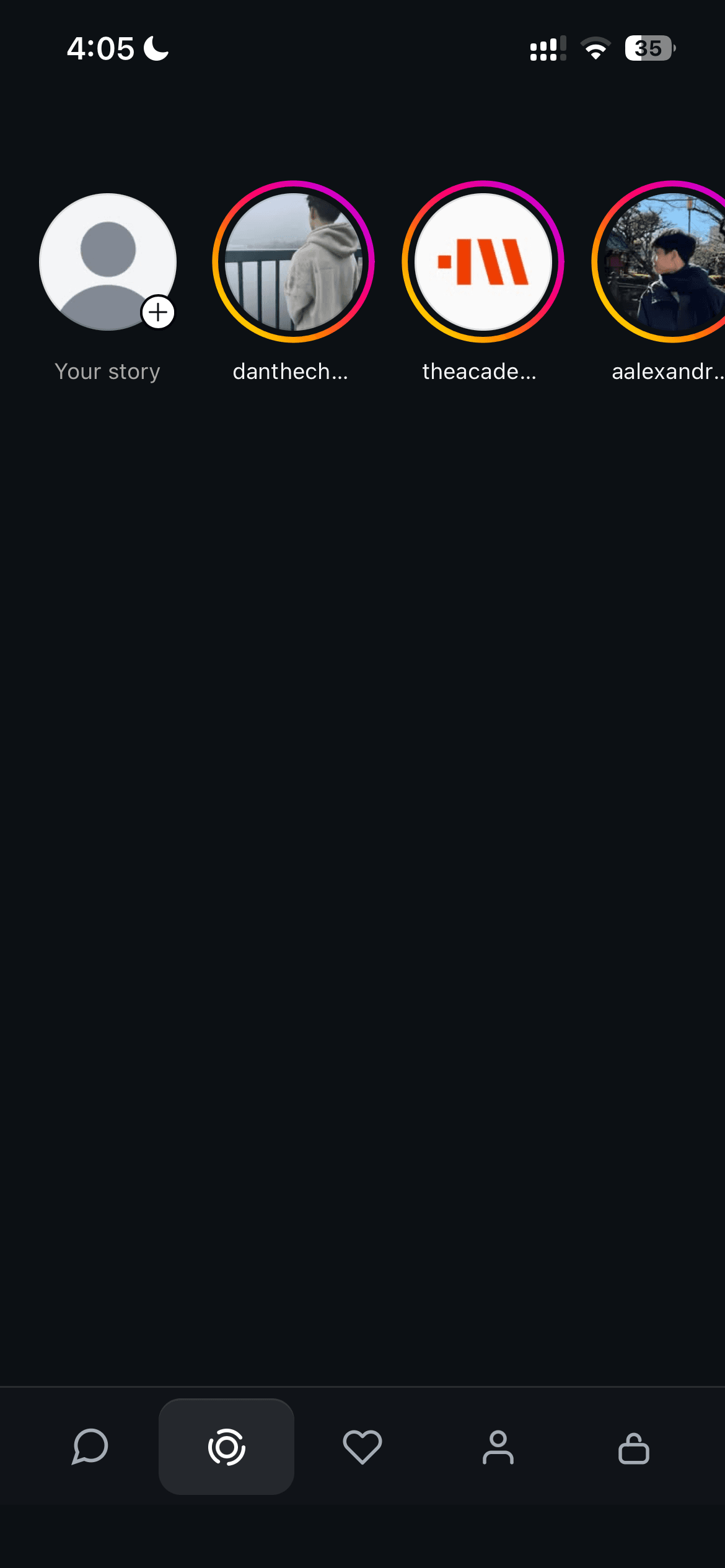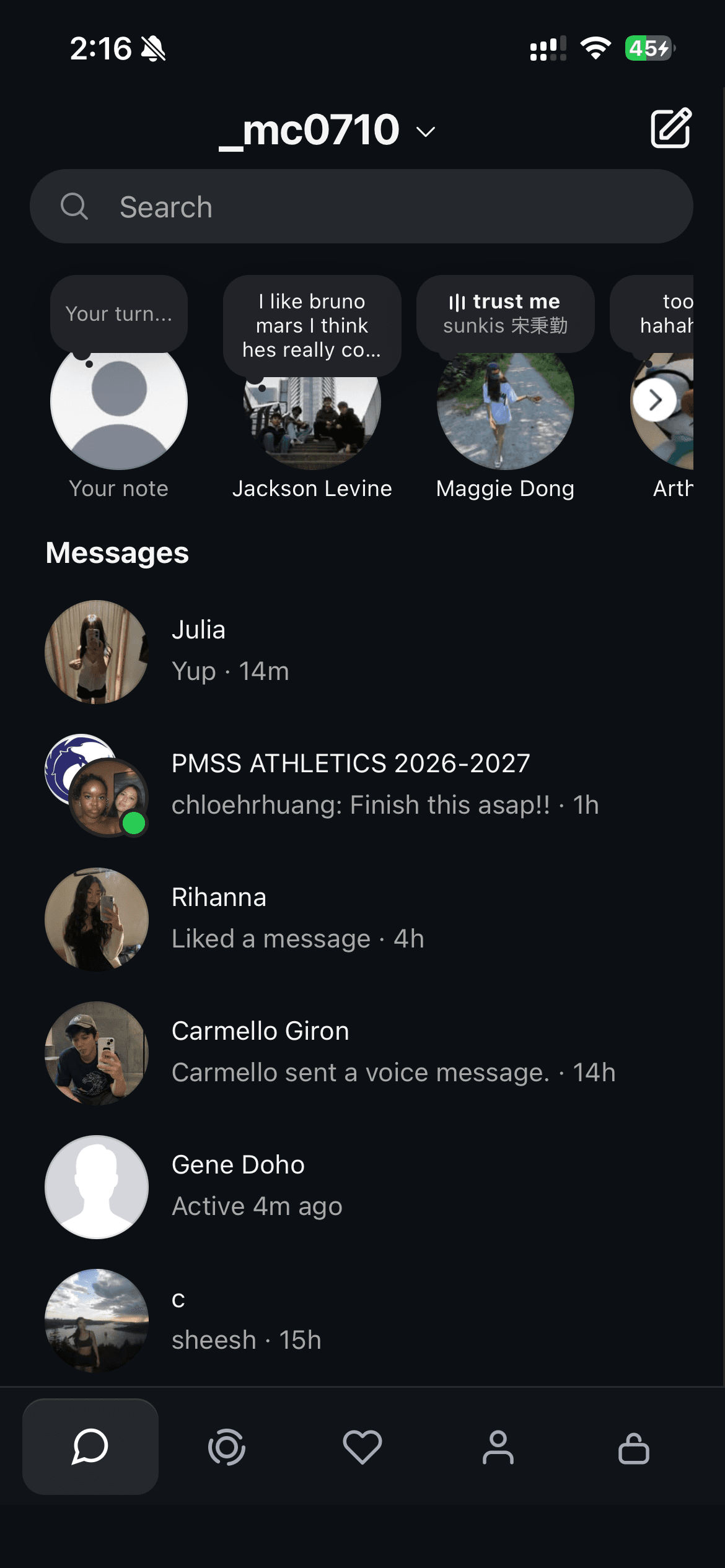
To use Instagram for DMs without the feed, sign in to your existing Instagram account in Konvo. Your inbox and group chats stay available while the feed, Reels, and Explore are hidden. Friends can keep messaging you from Instagram; they do not need to install Konvo. Friends’ Stories are also available in a separate tab.
View Konvo on the App StoreSet up Instagram DMs on iPhone
You need an Instagram account and the Konvo app. Konvo is free to download and requires a subscription. Review the plans and any trial offer shown in the app before subscribing.
- Download Konvo from the App Store and open it.
- Follow the setup screens and review the subscription options.
- Sign in to your existing account on Instagram’s login page inside Konvo. Complete any sign-in check Instagram requests.
- Open the Messages tab. Select a conversation to read or send a message.
Keep your existing messages and group chats
Konvo uses Instagram’s own website inside the app. You sign in to the same account you already use. There is no new messaging account to create and no chat history to transfer.
Your DMs and group chats appear in the inbox after you sign in. When someone sends you a message from Instagram, it appears in that conversation. Your replies go back to the same chat. Your friends do not need Konvo.
You can also open friends’ Stories from the Stories tab. The feed, Reels, and Explore stay hidden while you use Konvo.
Block the separate Instagram app
Using Konvo changes what you see inside Konvo. If the Instagram app is still installed and unblocked, you can open it separately and reach the feed there.
On iPhone, open the lock tab in Konvo to set up Screen Time blocking. Grant the requested permission and select the Instagram app itself. Avoid selecting the whole social category or instagram.com: those selections may also affect your messages inside Konvo.
After enabling the block, open Instagram to check it. Then return to Konvo and check that your inbox still loads.
Use Instagram messages on Mac
Konvo is also available for Mac. Open the Mac app link in the download links at the bottom of the Konvo homepage. The setup window links to the Chrome extension and then the Mac App Store.
Install the Mac app, sign in to Instagram, and select a conversation from your inbox. The Chrome extension separately redirects Instagram pages in Chrome. Installing the extension does not sign you in to the Mac app.
Can you keep DMs if you delete the Instagram app?
Removing the Instagram app from your phone is different from deleting your Instagram account. Keep the account: it is the account you sign in to inside Konvo, and the one your friends already message.
Before removing the original app, confirm that you can sign in to Konvo and open your existing chats. Keep access to any authentication method your Instagram account uses. You can also open Instagram’s inbox in a browser, although a direct inbox bookmark alone does not block the feed or Reels.
Check the price and sign-in details before subscribing
Konvo is free to download, but access requires a subscription. Check the available plans, billing period, local price, and trial eligibility on the paywall and Apple’s purchase confirmation. A free trial, when offered and accepted, renews into the selected paid plan unless you cancel.
Konvo is an independent app, not an Instagram or Meta product. You sign in through Instagram’s web sign-in inside Konvo. Read the privacy policy before deciding whether this setup works for you, and never put your password or login codes in a support message.
If your inbox does not load
Check your connection and confirm that you signed in to the intended Instagram account. If Instagram asks for a login code or account confirmation, complete that step first.
If you enabled Screen Time blocking, check that you selected only the Instagram app. A blocked website or an entire category can affect access to Instagram’s website inside Konvo.
If the problem continues, send your device model, operating system version, and the error you see through the contact form. Do not include your password or login codes.