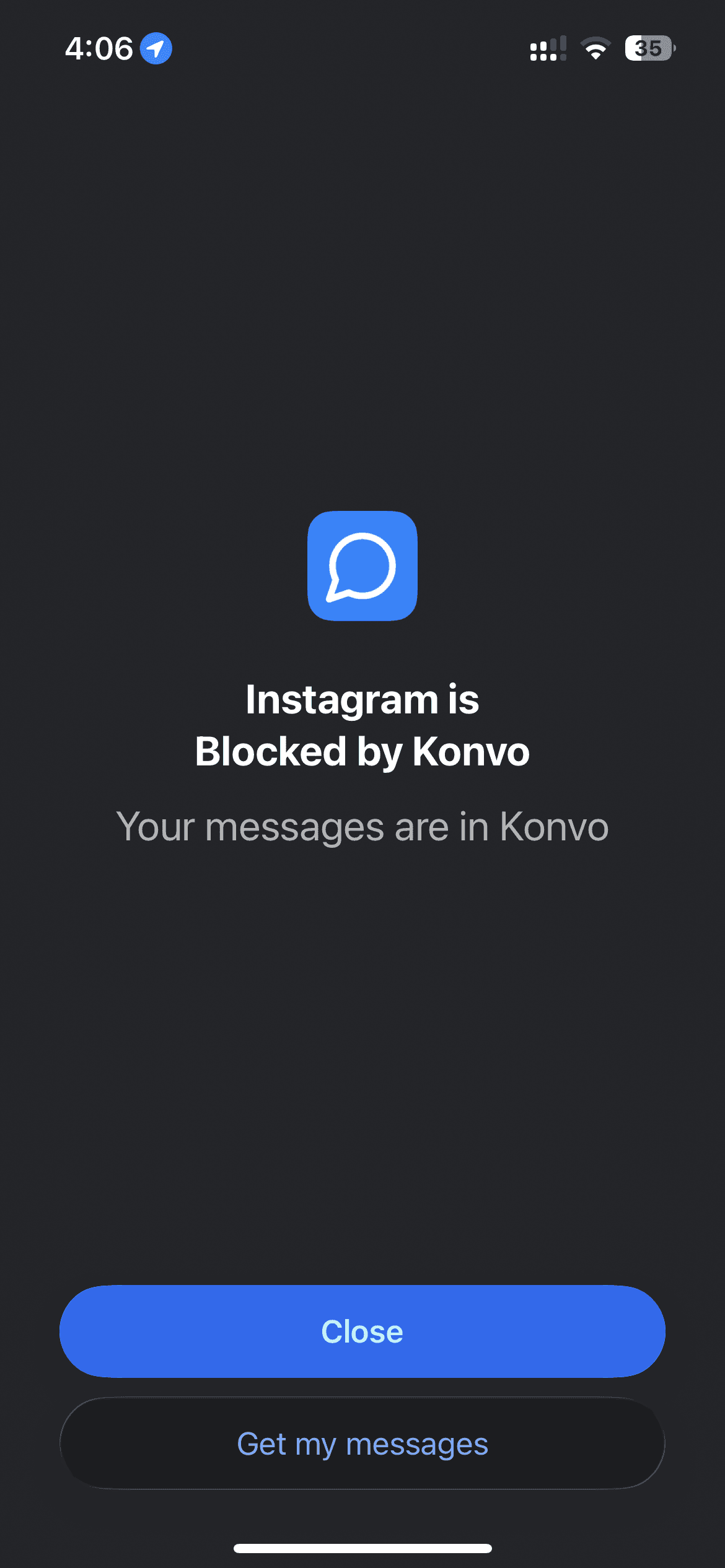
Choose Konvo when your goal is to keep Instagram conversations while hiding the feed and Reels browsing. Consider Opal for focus rules across apps, or Apple Screen Time for built-in schedules and time allowances. This comparison is written by Konvo and links to each product’s own information.
What does each option do?
The key question is whether you want a separate way to keep messaging, or limits on opening the original app.
| Question | Konvo | Opal | Apple Screen Time |
|---|---|---|---|
| Main approach | A focused Instagram inbox, with optional blocking of the original app | Rules and timers for blocking selected apps | Built-in app allowances and Downtime |
| A separate Instagram inbox? | Yes; uses your existing Instagram account | Its advertised focus tools block apps; they do not provide a Konvo-style inbox | No separate inbox; limits apply to the selected app |
| Keeping DMs while avoiding the feed | Use DMs in Konvo while the feed and Reels browsing stay hidden | Blocking Instagram also limits access to its inbox through that app | An Instagram app limit covers time in its inbox too |
| Cost | Paid subscription; see current pricing and trial eligibility | Free tier and paid Pro plans | Included in iPhone settings |
When does Konvo make sense?
Konvo fits someone whose friends still use Instagram and who wants to reply without entering its main feed. Your friends keep their accounts and app; your conversations remain on Instagram.
Konvo depends on Instagram’s website, requires an internet connection and uses a subscription. Friends’ Stories and media shared in chats can still be available. It is not a blocker for every distracting app on your phone.
When should I consider Opal?
Opal’s published features include app-blocking rules, schedules, time limits and focus timers. Its pricing page lists a free tier and paid Pro options. It may suit you when your distraction comes from several apps or you want scheduled focus sessions.
Review Opal’s current features and pricing for your device. If you block Instagram, plan how you want to handle messages during that block.
When is Apple Screen Time enough?
Screen Time offers app limits and scheduled Downtime within iPhone Settings. It is a useful starting point when you want a daily allowance or a schedule without installing another focus app.
An allowance for Instagram limits the app as a whole. It does not turn Instagram into a messages-only interface. If staying available in DMs is essential, test your chosen setup before relying on it.
How should I choose?
Start with the task you need to keep: replying to friends, managing several apps, or setting a daily allowance. Try that task with your chosen setup. Check the subscription terms, sign-in requirements and privacy information before committing.
This page was checked against the linked official sources on November 9, 2026. Features and offers can change; consult each provider for its current details.