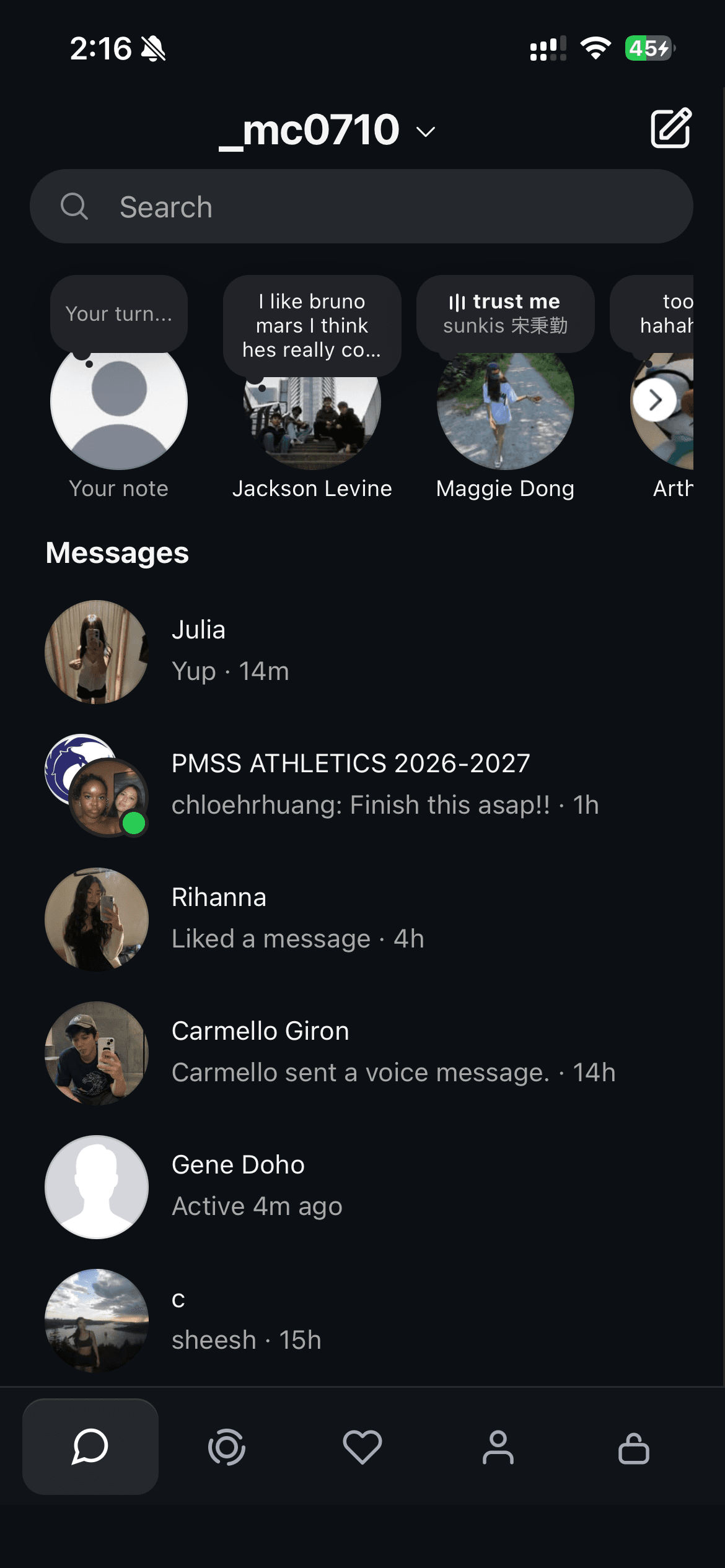
MESSAGES
Instagram inbox
Read your DMs and group chats using your existing Instagram account.
No feed, No reels, No explore
Read your DMs and group chats using your existing Instagram account.
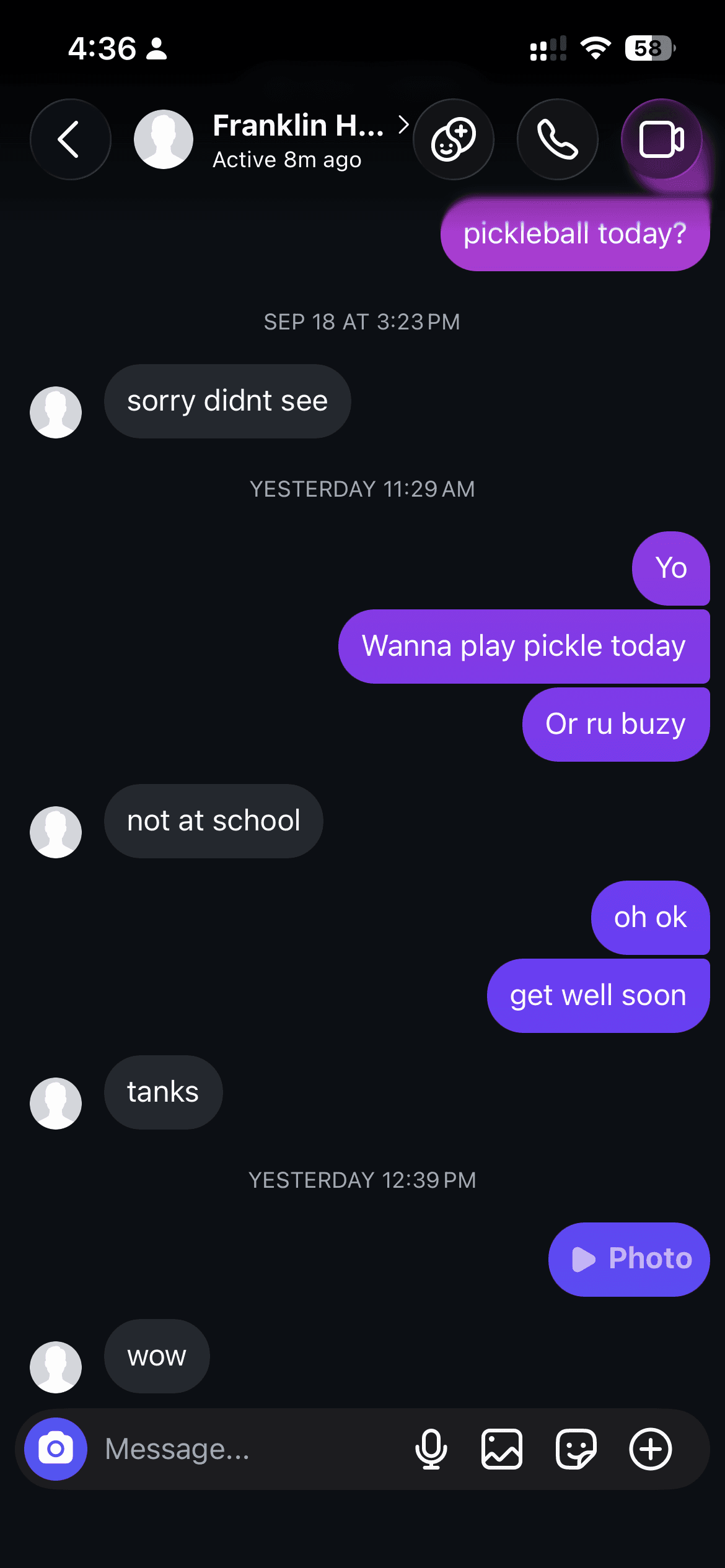
Reply to friends and make plans. They can keep using the Instagram app.
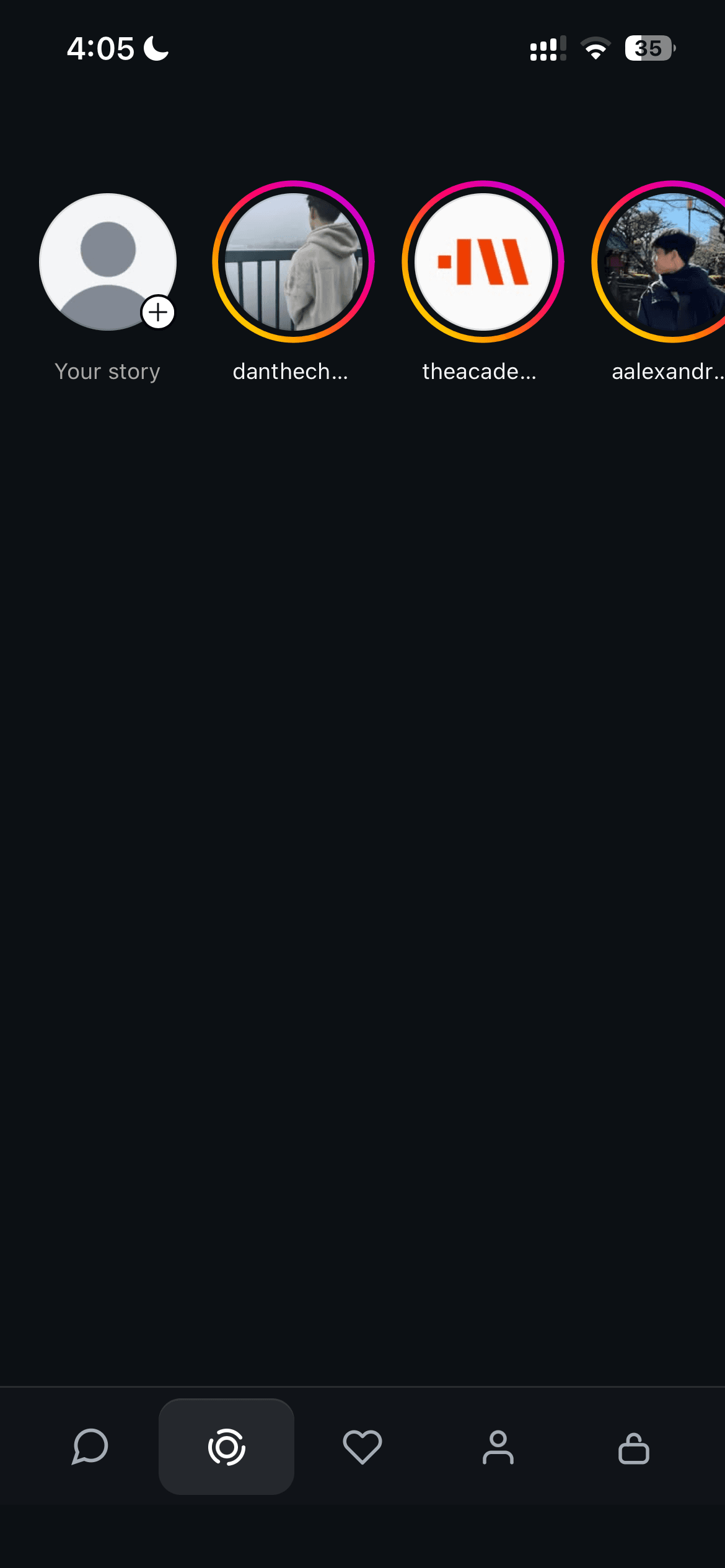
Open the Stories tab to see your friends’ updates.
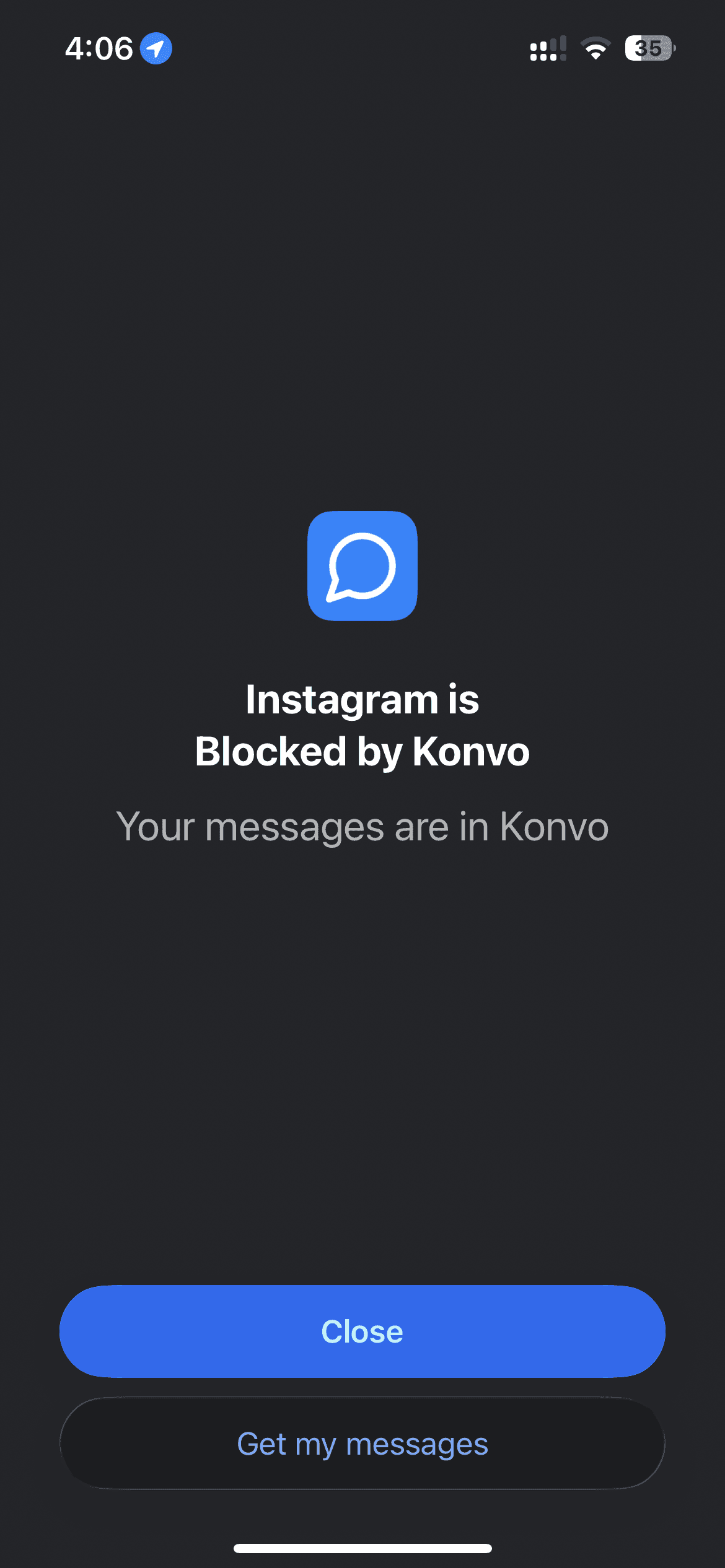
On iPhone, use Screen Time to block the Instagram app and access your messages through Konvo.
“it still allows me to stay connected!”
“i’ve been looking for this exact app and omg finally someone made it!”
“my screen time decreased drastically”
“it’s exactly what I’ve been looking for.”
“only access my instagram messages is a game changer”
“allowing me to have insta but not scroll”
Excerpts from App Store reviews.
Read more reviewsPractical ways to keep your Instagram messages and Stories while putting the feed out of reach.
Use Instagram for messages only on iPhone or Mac. Set up Konvo, keep your existing chats, and hide the feed, Reels, and Explore.
4 min readBlock Instagram on iPhone with Konvo and still use your DMs. Follow the Screen Time setup steps and fix common blocking problems.
3 min readView Instagram Stories without opening the feed, Reels, or Explore. Use the Stories tab in Konvo with the Instagram account you already have.
3 min readKeep Instagram DMs while avoiding Reels on iPhone. Compare Konvo, Screen Time limits, and a browser inbox, with setup steps and their limitations.
3 min readGet Konvo for iPhone. Join the waitlist for Android.

Free to download. Subscription required.