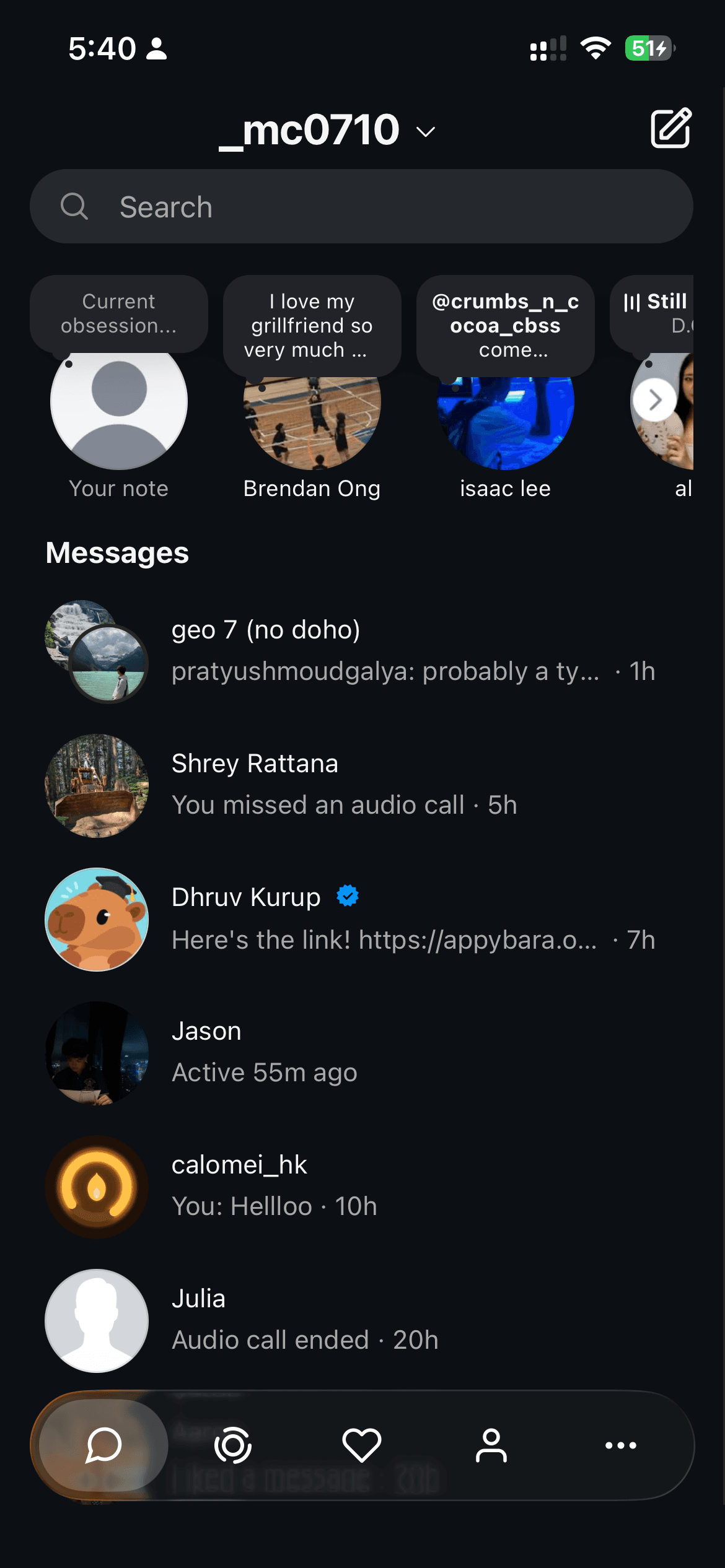
Konvo is free to download. Access to Instagram messages through the iPhone app requires a subscription. The U.S. App Store lists a $29.99 yearly plan and a $9.99 monthly plan. Your available plans, local price and any eligible trial appear before you confirm a purchase with Apple.
How much does Konvo cost?
These are U.S. dollar prices listed on the U.S. App Store, checked November 9, 2026. Other offers also appear in the listing. Prices, taxes, available plans and promotions can vary by storefront and offer; the purchase screen is the source for the subscription you are actually buying.
| Plan | Listed price | Billing |
|---|---|---|
| Konvo Pro Yearly | US$29.99 | Per year; approximately US$2.50 per month, billed yearly |
| Konvo Pro Monthly | US$9.99 | Per month |
Does Konvo offer a free trial?
An eligible subscription offer may include a free trial. If one is available to you, Konvo and Apple show its length and the price that follows before you subscribe. Downloading the app does not start a trial; you must confirm the subscription purchase.
Trial eligibility depends on the offer and your Apple Account’s subscription history. A previous trial or subscription can affect eligibility. A trial renews into the selected paid subscription unless you cancel in time.
What does the subscription include?
Use your existing Instagram messages and group chats in Konvo, with the feed, Reels browsing screen and Explore hidden. Friends’ Stories are available in a separate tab. Your friends continue using Instagram as usual.
On iPhone, optional Screen Time controls can block the separate Instagram app. Cloud message notifications require a separate connection in Konvo’s settings. Konvo needs an internet connection and a working Instagram account.
How do I cancel a Konvo subscription?
For an Apple subscription, open iPhone Settings, tap your name, then Subscriptions → Konvo → Cancel Subscription. Apple recommends cancelling at least 24 hours before a trial ends if you do not want it to renew. Check the cancellation and expiry information Apple displays.
Deleting Konvo or disconnecting Instagram does not cancel your subscription. If you cannot find it, check which Apple Account appears on the purchase receipt.
How do I restore an existing purchase?
Use the same Apple Account that purchased the subscription, then choose Restore on Konvo’s paywall. If access is not restored, check the subscription’s status in Apple Settings and contact Konvo support. Do not send passwords, login codes or payment card details.