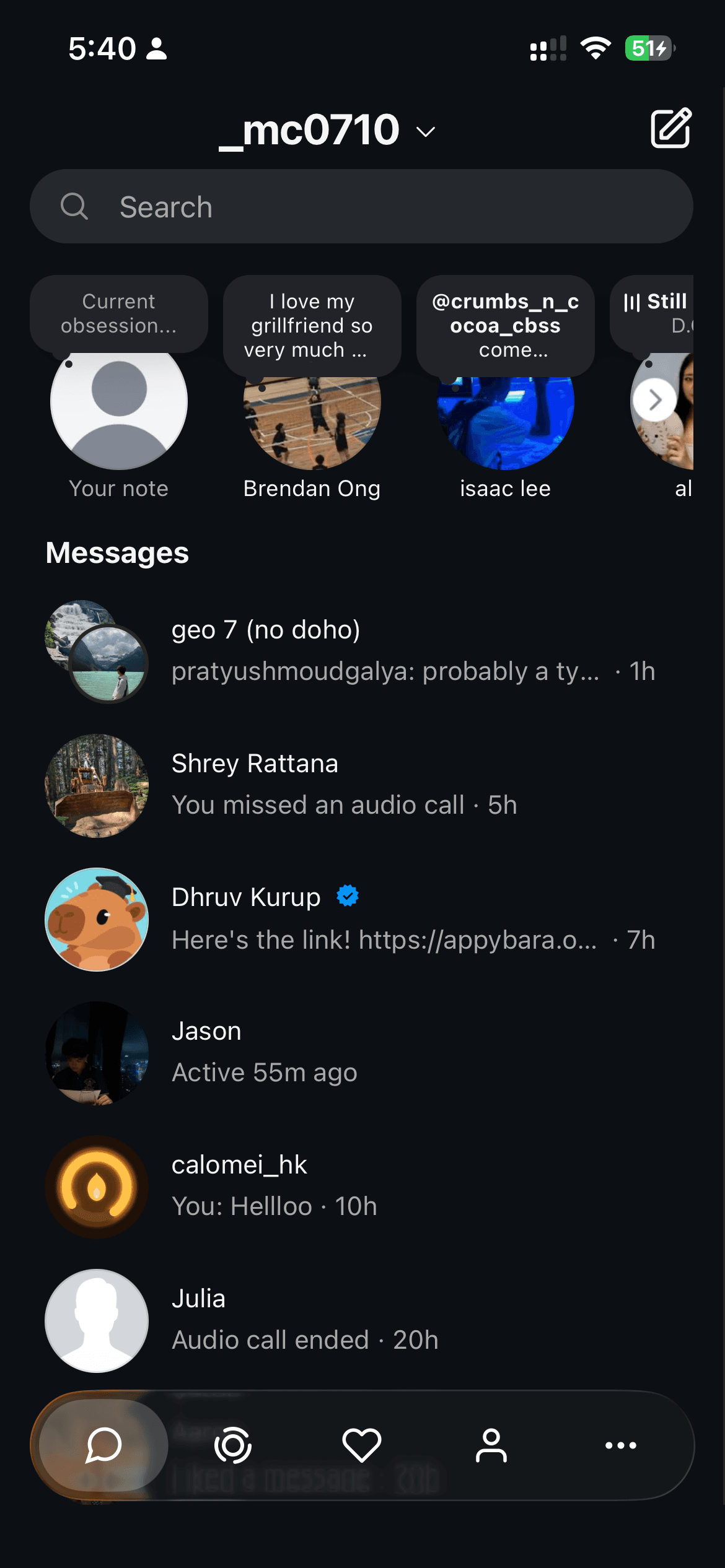
You sign in on Instagram’s website inside Konvo. Konvo does not collect your Instagram password. By default, the Instagram session used by the app stays on your device. Enabling optional cloud message notifications shares a session with Konvo’s server so it can check for new messages.
Where do I enter my Instagram password?
Sign in on Instagram’s own login page inside the app. Instagram handles your credentials and any two-factor or account verification. Konvo does not ask you to send a password or login code to its support team.
Instagram cookies, cached website data and a local session backup help you stay signed in. You can review and revoke Instagram sessions in Instagram’s account settings.
What changes if I enable cloud message notifications?
The optional notification connection sends an Instagram session to Konvo’s server over an encrypted connection and stores it encrypted. That session gives the service access to your inbox so it can detect new messages while the app is closed.
The service processes message content temporarily in memory. It does not save message text, attachments, sender names or previews. It does keep the device-token, connection and delivery information needed to send alerts and prevent duplicates. Alerts contain generic text.
Permission to show iPhone notifications is separate from this cloud connection. If the session expires, you may need to reconnect in Konvo’s Message notifications settings.
Does Konvo collect usage analytics?
Yes. Konvo uses analytics to understand setup, purchases and reliability. Events can include app and installation identifiers, device information, onboarding answers you submit, and which setup or paywall screens you reach. Instagram message content and passwords are not sent as analytics events.
The website also measures visits, referral sources and download clicks. Read the privacy policy for the services involved, retention information and your choices.
Can Instagram ask me to verify my account?
Yes. Instagram can require a login code, a security check or a new sign-in. Complete those steps directly with Instagram. Konvo cannot promise that Instagram will never challenge or restrict an account.
If sign-in fails, check that you can access your account directly with Instagram and that you selected the intended account. Contact Konvo support with the error and device details if the problem is specific to Konvo; never include your password or login codes.
How do I disconnect or delete my data?
Disconnect cloud notifications in Konvo’s Message notifications settings. When the last connected device disconnects, the service deletes the saved Instagram session and connection state. If you are offline, the deletion request is retried when you reconnect.
You can also revoke the Instagram session in Instagram’s account settings. Removing the app alone does not immediately disconnect a server session or cancel a subscription. Contact Konvo to request access to or deletion of data it holds, using the details in the privacy policy.