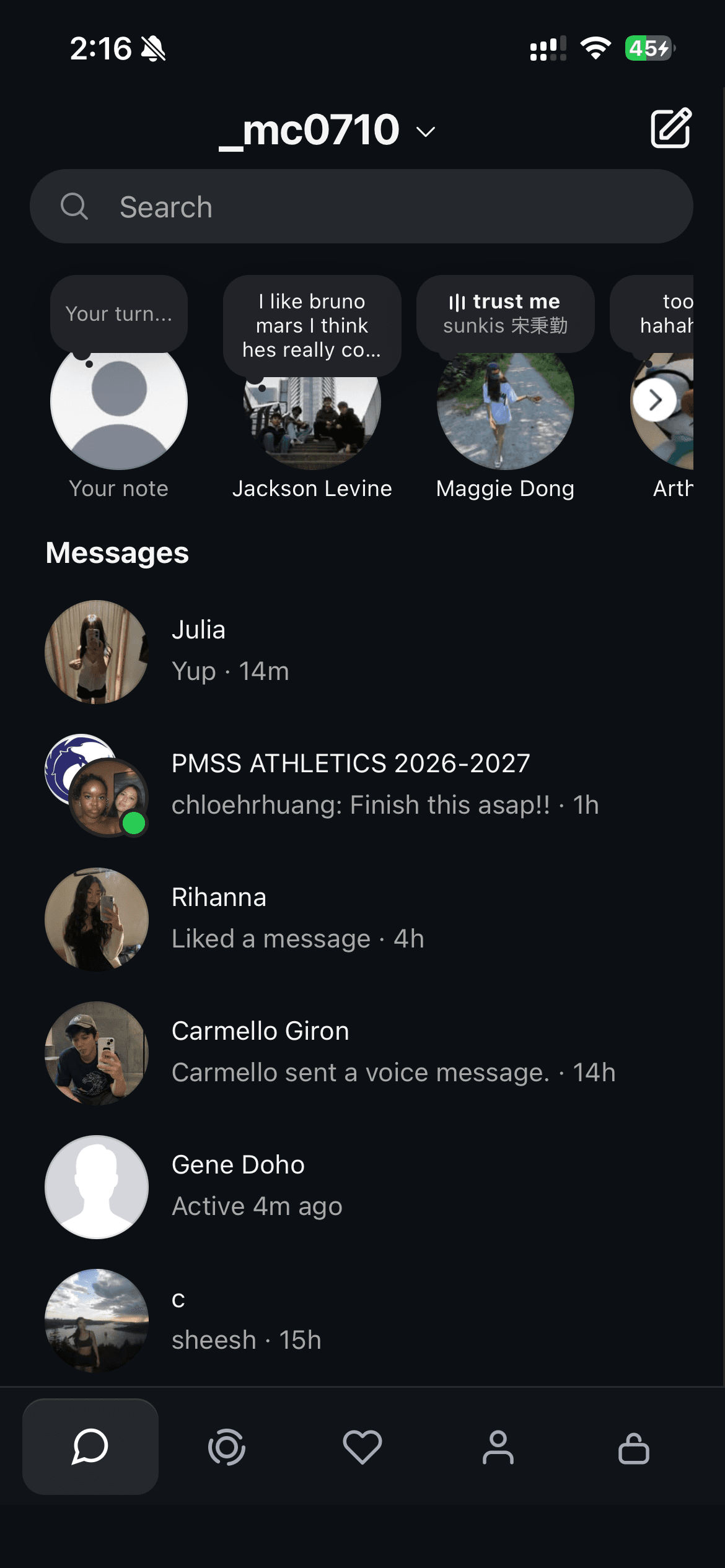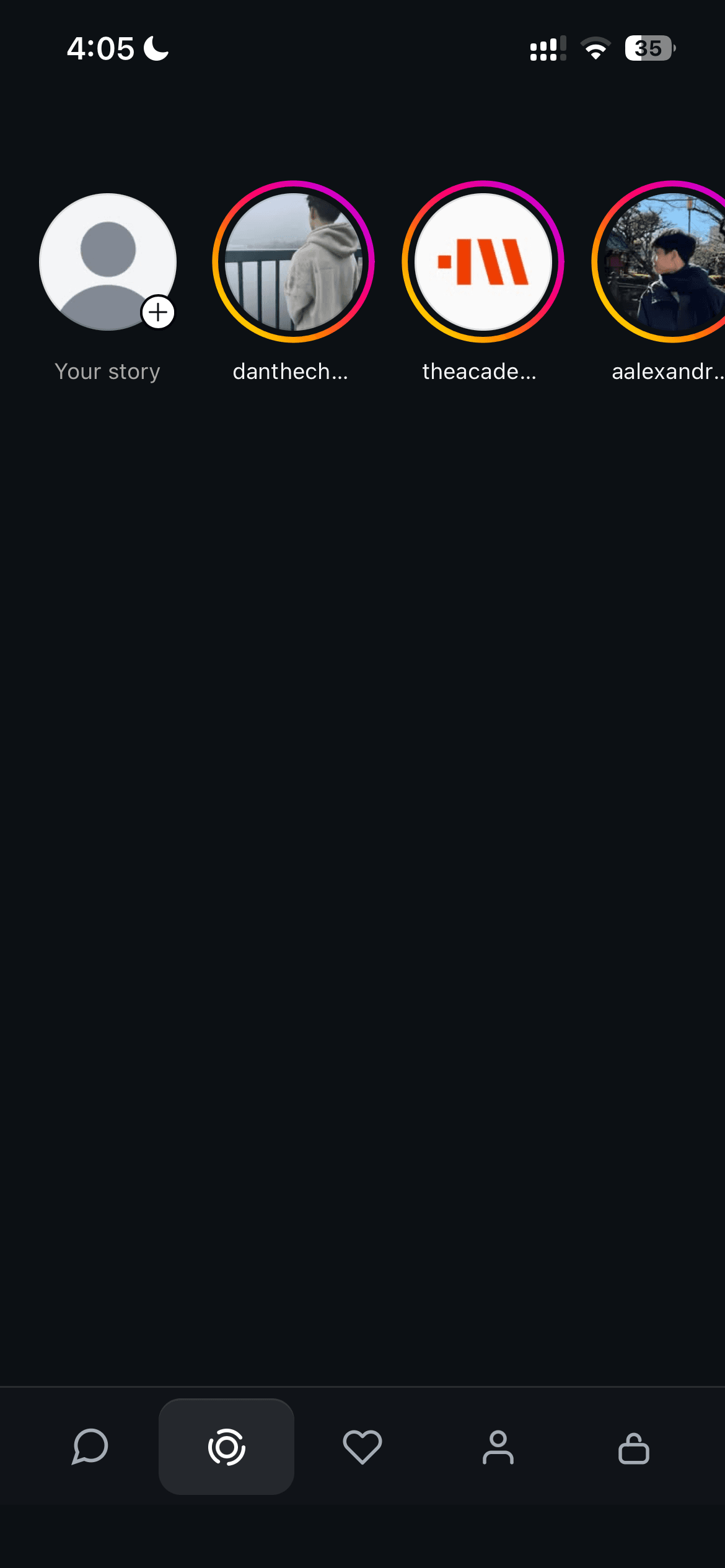
Konvo lets you open Instagram Stories from a separate Stories tab. Sign in with your existing Instagram account, select Stories, and tap a profile picture. The feed, Reels, and Explore stay hidden.
View Konvo on the App StoreOpen Instagram Stories in Konvo
Install Konvo and finish setup before opening Stories. A subscription is required; review the plans and any trial offer in the app.
- Sign in to your Instagram account inside Konvo.
- Select the Stories tab at the bottom of the app.
- Tap a profile picture in the row of Stories to open it.
- Return to the Messages tab when you want to read or send a DM.
Use the Instagram account you already follow people with
Stories come from the Instagram account signed in to Konvo. You do not need to follow everyone again or ask friends to post somewhere else. They can keep posting Stories through Instagram.
If you use more than one Instagram account, check which account is signed in. A different account can have a different list of followed people and available Stories.
Konvo is not an anonymous Story viewer. It uses your signed-in Instagram account and does not offer a way to hide your identity from Story viewing.
Keep Messages and Stories separate from the feed
The Messages tab contains your inbox and group chats. The Stories tab contains the row of available Stories. You can move between these tabs without opening the Instagram home feed.
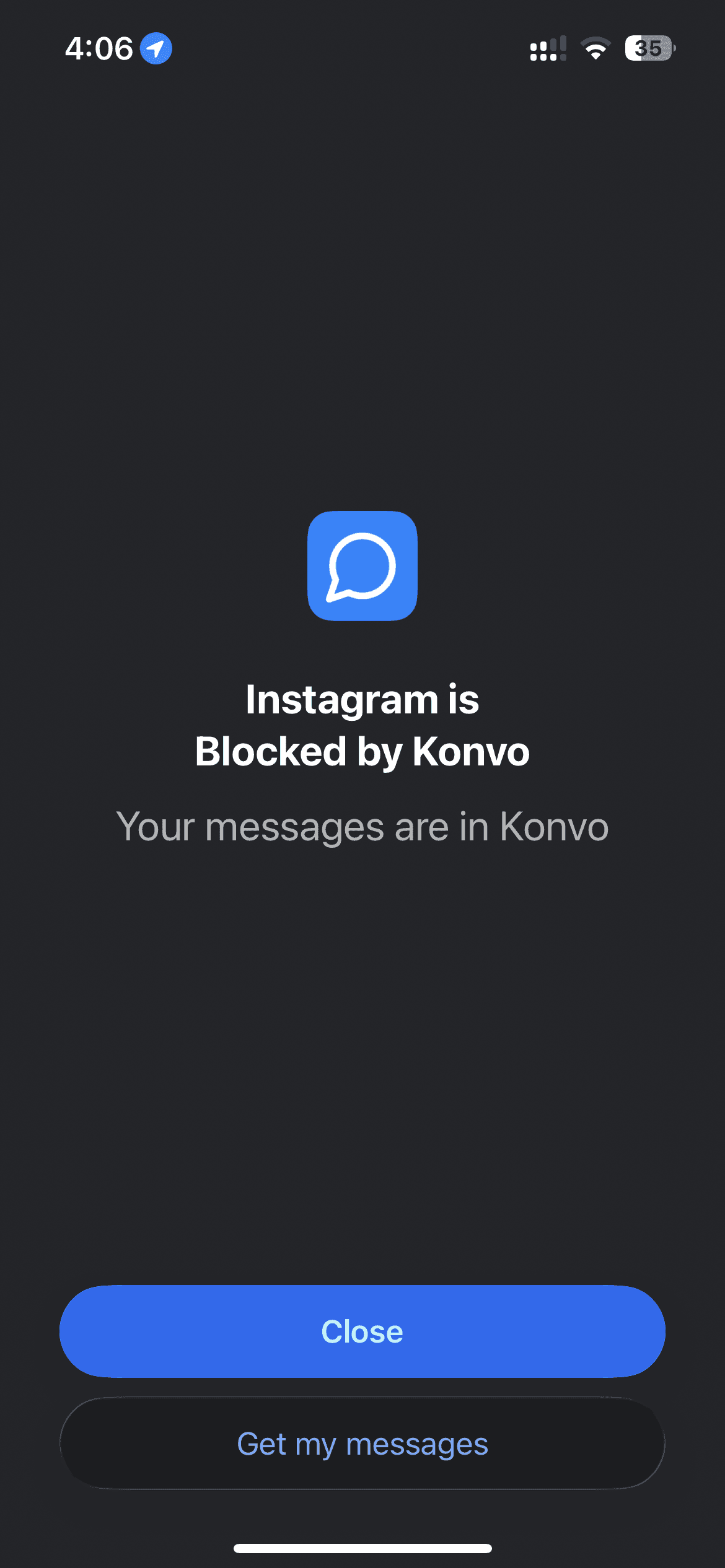
Konvo hides the feed, Reels, and Explore inside its app. This does not change what appears in the separate Instagram app. Opening Instagram itself still gives you access to its normal screens unless you block it.
You can keep using the same DMs while switching between Messages and Stories. Friends can reply from Instagram without installing Konvo.
Block the Instagram app on iPhone
If you want to keep the separate Instagram app blocked, open Konvo’s lock tab and allow Screen Time access. Select only the Instagram app in the picker, then enable blocking.
Return to Konvo and check both Messages and Stories. If either stops loading after you enable blocking, review the selection. Blocking instagram.com or a whole category may also affect Konvo’s access to Instagram.
Can you keep Stories and still avoid Reels?
Yes. Konvo provides a Stories tab alongside your inbox while hiding the Reels browsing surface, home feed, and Explore. You can check a friend’s Story and return to a conversation without opening those browsing screens.
This changes the interface inside Konvo. It does not change a friend’s Instagram app or remove what they post, and it does not block the separate Instagram app unless you set up Screen Time blocking.
If the Stories row is empty or a Story will not open
First check your internet connection and confirm that you are signed in to the intended Instagram account. An empty row alone does not tell you whether there is a connection problem or no Story available for that account.
If a Story fails to open, check whether your inbox loads. If both fail, check sign-in and any Screen Time website or category restrictions. If Messages works but Stories does not, note which Story action failed.
Use the contact form if the problem continues. Include your device model, operating system version, and whether the Stories row is empty or a selected Story fails to load. Do not include your password or login codes.